When it comes to design software, the choices are endless. To meet the needs of many professionals, the industry provides software solutions for 2D, CAD, and BIM design. What are the strong points for each type, and which one should you use for which kind of work?
Professional articles
Back to articles



2D CAD
Whatever the project size, or the industry, the most basic building tool of any technical drawing is usually a CAD software. CAD stands for Computer Aided Design, meaning that technical drawings, which up until the 80s were traditionally created manually, are now "aided" by software solutions to boost productivity and speed - but chances are that if you are reading this, you already knew that. Odds are, you also started your designing career learning how to draw lines on a computer screen. To this day, CAD is the most used 2D drawing method in the industry, and most design offices have a few copies of some CAD software products.

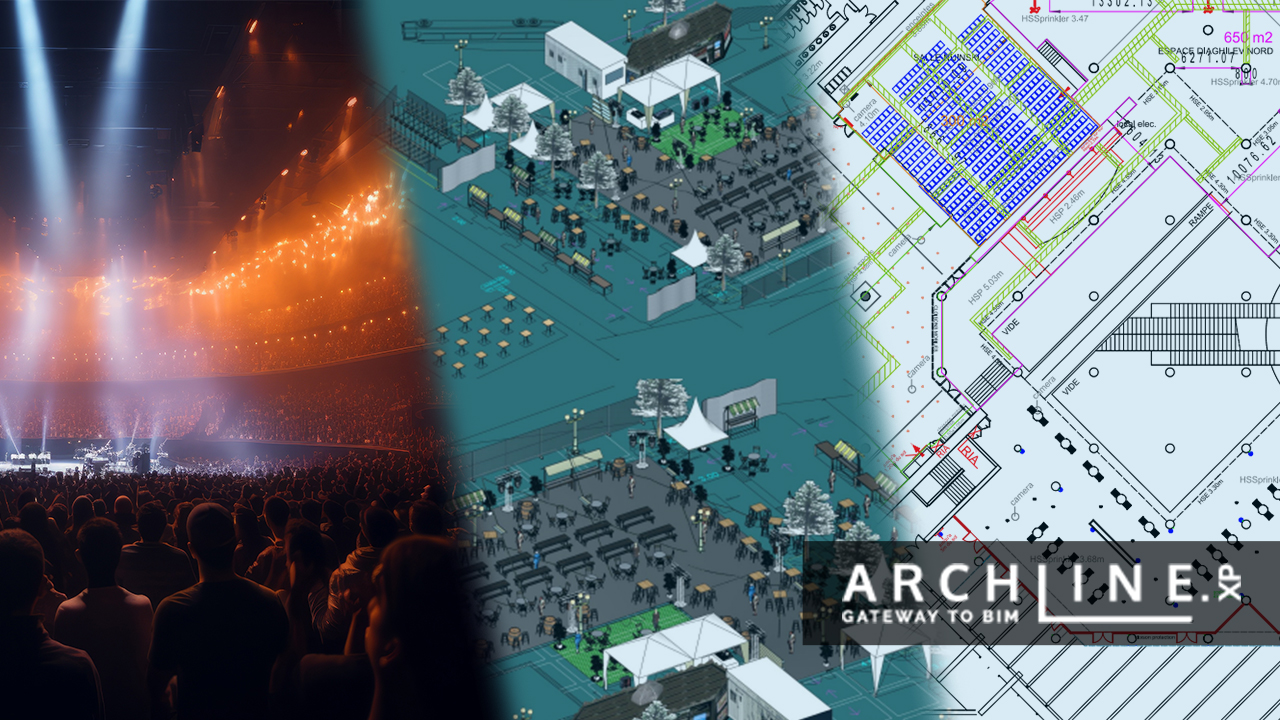
A typical CAD interface and content. Image courtesy ZWCAD Spain
For a long time, the concept of CAD meant the AutoCAD product family. In recent years, many alternative drawing product emerged, including ZWCAD and GstarCAD. The main charm of these product is uniformity: they provide the same CAD drawing tools and commands (polylines, chamfer, heavy use of layers, etc.) that professionals already know, and always seek. The strongpoint here is that you don't have to re-learn anything - if you have used one CAD software in the past, chances are that starting to work in a new software will be a breeze.
Although some CAD products offer 3D abilities, too, most CAD products are still focusing on creating 2D plans. CAD products also tend to get specialized, and there are many products tailored for architectural- electrical- landscape design, city planning. CAD is basically everywhere, where technical drawings are required. CAD is great for documentation, but if you need rendered visuals, you need to go a bit deeper into 3D modeling.
3D Modeling
So what happens if you do need 3D? Especially when your end goal is to create renders, or you need models where things have substance and mass, you need to be able to model 3D spaces and objects. What you crave is the freedom of imagination, to model anything you want, with lighting speed.
Luckily, there are many products for such aims - SketchUp, Blender, etc. The workflow is simple, but powerful - we draw simple shapes, extrude and sculpt them, until we hit the desired forms. Then, we apply materials and push our model into rendering. Such tools are great for architectural, interior, landscape or product design, or basically any areas, where computer-generated images are desired. Again, based on what you need, you have tailor made solution for product design, the film industry, etc.
Well-known 3D modeler SketchUp in action. Simple, yet powerful tools to create 3D solids. Image courtesy Ibercad Ida
But what about BIM?
Let's talk about data: In certain cases, producing a 2D drawing or a 3D model is simply not enough. In the construction industry, the whole lifecycle (design, building, operation, demolishing) is paved with data and information, which should be accessible to all stakeholders, at all times.
For us, architects, this means that we not only need to model a building, but also have to work with all kinds of specification and data (construction schedules, information about the materials used, data parameters of the project, and many other miniscule things), which we have to attach to our models - and this is actually what BIM does.
BIM stands for Building Information Modeling, and it is not a software, but a way of managing data, a method for storing and standardizing information, which can be read without distortion, by other professionals (other architects, interior designers, MEP professionals, etc.), even if they use different software platforms.
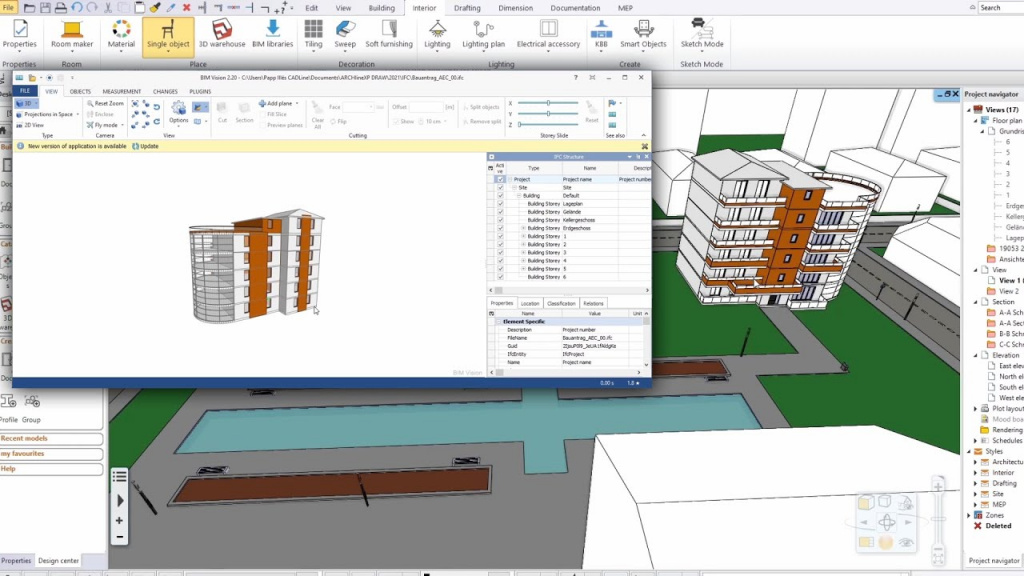
A building model, stored in IFC format, is being imported from one BIM software (BIMvision) to another (ARCHLine.XP). Note how the geometry and information is kept. Image credits: CADLine Ltd.
BIM gives you:
- the ability to equip your design with information, which is accessible to all stakeholders
- a method to import and export parts or the whole of your design in a way that it stays editable in other BIM software
At the same time, BIM solutions should allow professionals to use their existing CAD knowlege (and files) and 3D modeling experience, otherwise no-one could expect the users to drop everything they know, and re-learn a new method. Therefore, BIM should give you the power of data, but at the same time, it should look and feel like the programs you already know.
Enter ARCHLine.XP
Just like with CAD and 3D modeling, there are many software choices for those, who seek a BIM solutions. ARCHLine.XP stands because it makes heavy use of traditional CAD drawing methods, making the transition to BIM a seamless experience. Here's a few other it provies:
- Intuitive design, using tools for roofs, staircases, multi-storey buildings
- Ability to import tons of different file formats
- Technical documentation: floor plans, sections, elevations, plot layouts
- 3D modeling: quick conceptual building models, lofts, sweeps, you name it
- Interior design features: tiling, bathroom, kitchen design, and a parametric cabinetry builder
- Built-in rendering, so that you can visualize your plans without the need to buy another software products
Why not give it a test drive? You can download a 30 days trial from here
Looking to adapt your existing CAD knowledge to BIM?Read here
Original article based work done by TotalCAD
Original Portuguese version
Related articles
When the art of light and scenery meets the power of ARCHLine! - Interview with Cyrille Chabert
Meet Cyrille Chabert, an event professional who has been creating digital 3D plans and animations using the ARCHLine family for less than a year. ...
Read more
Rendering guide 2023
Capturing a photo-realistic image requires more than just pressing a button. It involves understanding how to handle lighting and shadows, be...
Read more
The Journey to a Successful ARCHLine.XP Reseller in Ecuador
Interview with Stalin Oleas Interviewer:...
Read more