
Professional articles
Back to articles
Explore ARCHLine.XP from the perspective of a ZWCAD user
„CAD solutions started to automate many of the tasks that we previously did by hand. I first switched to ZWCAD and recently started using ARCHLine.XP, too.
A decisive fact to acquire ARCHLine.XP was the day when a client requested the project budget for a small operating room and defined that the project would have to be compatible with BIM. My first project using ARCHLine, was the development of a structure for installing equipment in a hospital facility. We had limited space to distribute the various equipment in a technical area and the difficulty to understand the structure model in a 2D drawing led me to create this structure using the ARCHLine.
I now use two products, ZWCAD and ARCHLine.XP LT. I use ZWCAD to develop executive projects in the traditional way. Using ARCHLne.XP is associated with the evolution of project presentation, which is a trend that is becoming more and more important in my work. Using ZWCAD as the basis for the development of projects in the BIM solution, in this case ARCHLine, allows a quick and easy transformation of a 2D project into 3D model. In fact, many ARCHLine.XP commands, such as the "Wall" command, allow you to create a 3D wall along a specific path."
Roberto Krieger, Blumenau, Brazil, safety engineering and clinical engineering specialist. (Krieger Engenharia e Arquitetura)
Read the whole interview here.
ARCHLine.XP LT offers:
GstarCAD offers:
Basic 3D editing tools
ARCHLine.XP LT
GstarCAD
Edycja Brył
✓
✓
3D modeling
✓
✓
Sections
✓
✓
Loft, 3D sweep
✓
✓
...
✓
X
Free form modeling
✓
X
Floor structure
✓
X
Sketch mode
✓
X
Parametric 3D architectural and construction tools:
ARCHLine.XP LT
GstarCAD
Walls, slabs, roofs, ceilings, columns, beems, fundations
✓
X
Stairs, railings and
✓
X
Doors and windows
✓
X
Rooms, areas and zones
✓
X
Curtain walls
✓
X
Quantity take-off
✓
X
Documentation
ARCHLine.XP LT
GstarCAD
2D drawing tools
✓
✓
Dimensions, annotations, text
✓
✓
Sections, elevations
✓
✓
Plot layouts
✓
✓
Printing, print to PDF
✓
✓
Shadow analysis
✓
X
Dimensioning openings and walls automatically
✓
X
Architectural grid
✓
X
Quantity take-off
✓
X
Schedules
✓
X
Visualization
ARCHLine.XP LT
GstarCAD
3D perspectives
✓
X
Animation
✓
X
Exporting to external rendering engines
✓
X
Compatibility
ARCHLine.XP LT
GstarCAD
Perpetual license
✓
✓
Windows 7, 8, 10, Mac (via Boot Camp)
✓
✓
USB hardlock dongle protection
X
✓
Import/Export
ARCHLine.XP LT
GstarCAD
DWG, DXF
✓
✓
PDF, BMP, TIFF, JPEG, PNG
✓
✓
Importing IFC v2x3
✓
✓
Connection to BIMObject
✓
X
Connection to 3D Warehouse
✓
X
RVT, RFA
✓
X
Exporting IFC v2x3
✓
X
Other formats: 3DS, SKP, OBJ, ATL,C4D, VRML, DAE
✓
X
Related articles
When the art of light and scenery meets the power of ARCHLine! - Interview with Cyrille Chabert
Meet Cyrille Chabert, an event professional who has been creating digital 3D plans and animations using the ARCHLine family for less than a year. ...
Read more
Rendering guide 2023
Capturing a photo-realistic image requires more than just pressing a button. It involves understanding how to handle lighting and shadows, be...
Read more
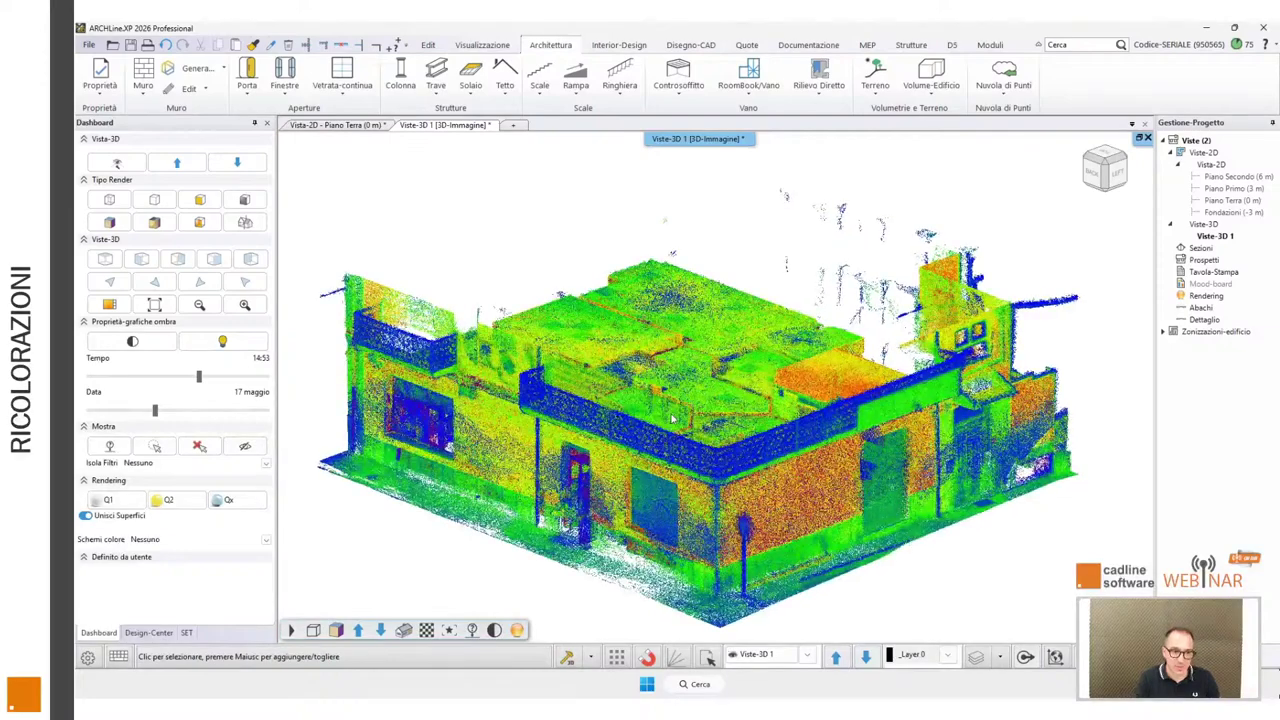
ARCHLine.XP 2026: Scan to BIM Made Practical for Designers
Based on Marco Guglielmin's webinar ...
Read more