
Explore ARCHLine.XP from the perspective of a ZWCAD user
Professional articles
Back to articles
„CAD solutions started to automate many of the tasks that we previously did by hand. I first switched to ZWCAD and recently started using ARCHLine.XP, too.
A decisive fact to acquire ARCHLine.XP was the day when a client requested the project budget for a small operating room and defined that the project would have to be compatible with BIM. My first project using ARCHLine, was the development of a structure for installing equipment in a hospital facility. We had limited space to distribute the various equipment in a technical area and the difficulty to understand the structure model in a 2D drawing led me to create this structure using the ARCHLine.
I now use two products, ZWCAD and ARCHLine.XP LT. I use ZWCAD to develop executive projects in the traditional way. Using ARCHLne.XP is associated with the evolution of project presentation, which is a trend that is becoming more and more important in my work. Using ZWCAD as the basis for the development of projects in the BIM solution, in this case ARCHLine, allows a quick and easy transformation of a 2D project into 3D model. In fact, many ARCHLine.XP commands, such as the "Wall" command, allow you to create a 3D wall along a specific path."
Roberto Krieger, Blumenau, Brazil, safety engineering and clinical engineering specialist. (Krieger Engenharia e Arquitetura)
Read the whole interview here.
ZWCAD
ARCHLine.XP
PRICING
Starting from € 799 + VAT
Starting from € 615 + VAT (LT version)
Single-user standalone perpetual license
Single-user standalone perpetual license
COMPANY DETAILS
Developed by ZWSOFT
Located in China
Founded in 1997
Developed by CadLine
Located in Hungary
Founded in 1993
DEPLOYMENT
Desktop – Windows
Desktop - Mac (via Parallels Desktop with Windows installed)
Desktop – Windows
BEST PRACTICE
DWG file format compatible CAD solution for architects, engineers in the AEC and MCAD industries. One of the best alternatives to AutoCAD.
Quick and easy transformation of a 2D project into 3D model. Using BIM allows real-time 3D visualization of project creation.
IMPORT FORMATS
DWG/DXF, STL, IGES, STEP, etc.
Image: *.bmp, *.gif, *.jpg, *.jpeg, *.png, *.tif,
DWG/DXF, IFC, RFA, RVT, SKP, KMZ, 3DS, OBJ, PDF, 3D Warehouse, etc.
Image: *.bmp, *.gif, *.jpg, *.jpeg, *.png,
EXPORT FORMATS
DWG/DXF, OBJ, IGES, STEP, STL, PDF
DWG/DXF, IFC, SKP, KMZ, 3DS, OBJ, STL, PDF, FBX, Green Building XML,
Favorite TOOLS
2D Drawing
3D Imaging
Architectural Symbol Library
Comparison View
Design Templates
2D Drawing
Architectural modeling
Architectural Model Library
Conceptual design
Multistory, multi building
Point cloud imports
Interior Design – Tiling, Lighting, Cabinets
MEP, HVAC designLayout - documentation tool, multi pages PDF
Listing of the materials for budget
Real-time visualization
Section, Elevation, Wall views
Callout, Schedule, Tags, Quantity take-off
Photorealistic visualization
INDUSTRIES
Architecture
Energy
Construction
Mechanical,
Electrical
Automotive, etc.
Architecture
Interior Design
Construction
Landscape Architecture
Urban Planning, etc.
Companies selling both ARCHLine.XP And ZWCAD
TotalCAD – Brasil
Encee GmbH – Germany
Hannes Süer – Germany
ZWFrance – France
MP Software Técnico S.L. – Spain
Ibercad Ida – Portugal
Softcad - Argentina
3dlotus - Baltics
Related articles
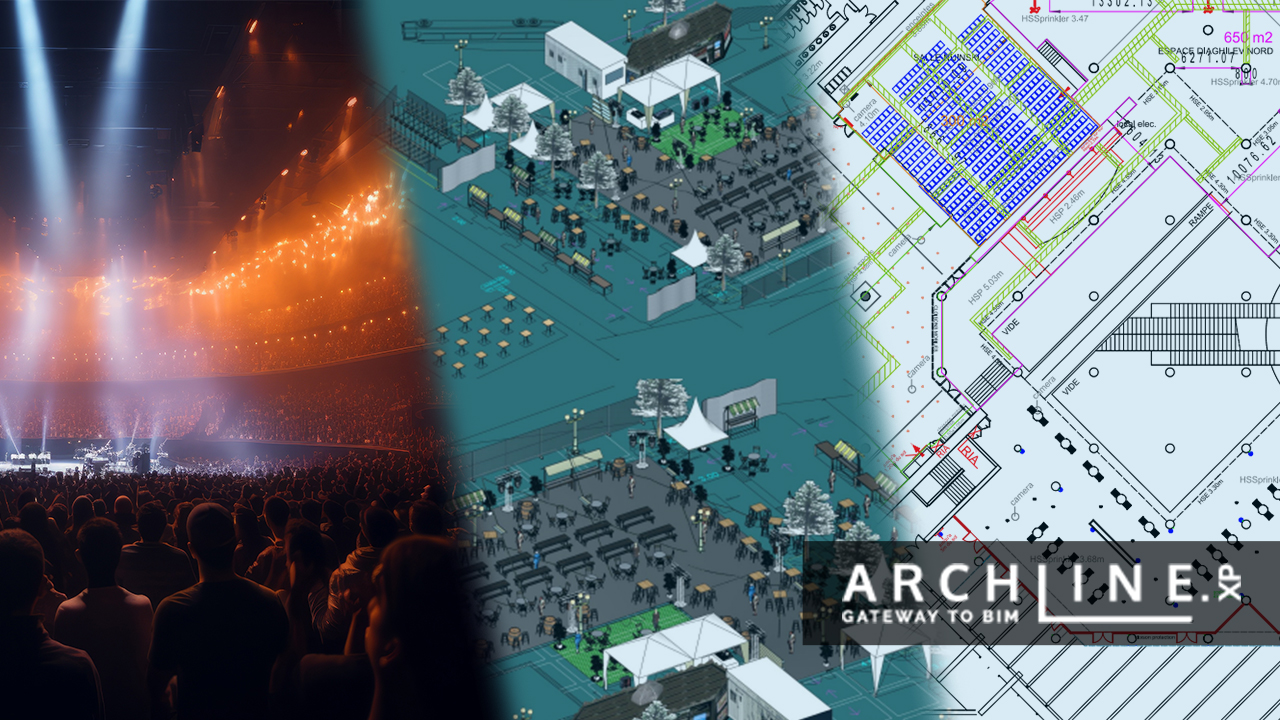
When the art of light and scenery meets the power of ARCHLine! - Interview with Cyrille Chabert
Meet Cyrille Chabert, an event professional who has been creating digital 3D plans and animations using the ARCHLine family for less than a year. ...
Read more
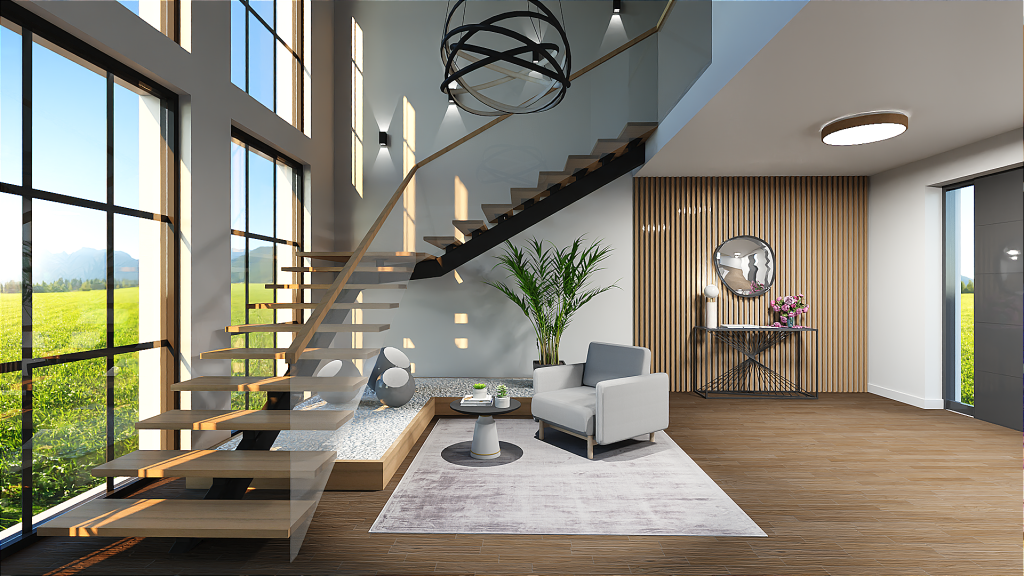
Rendering guide 2023
Capturing a photo-realistic image requires more than just pressing a button. It involves understanding how to handle lighting and shadows, be...
Read more
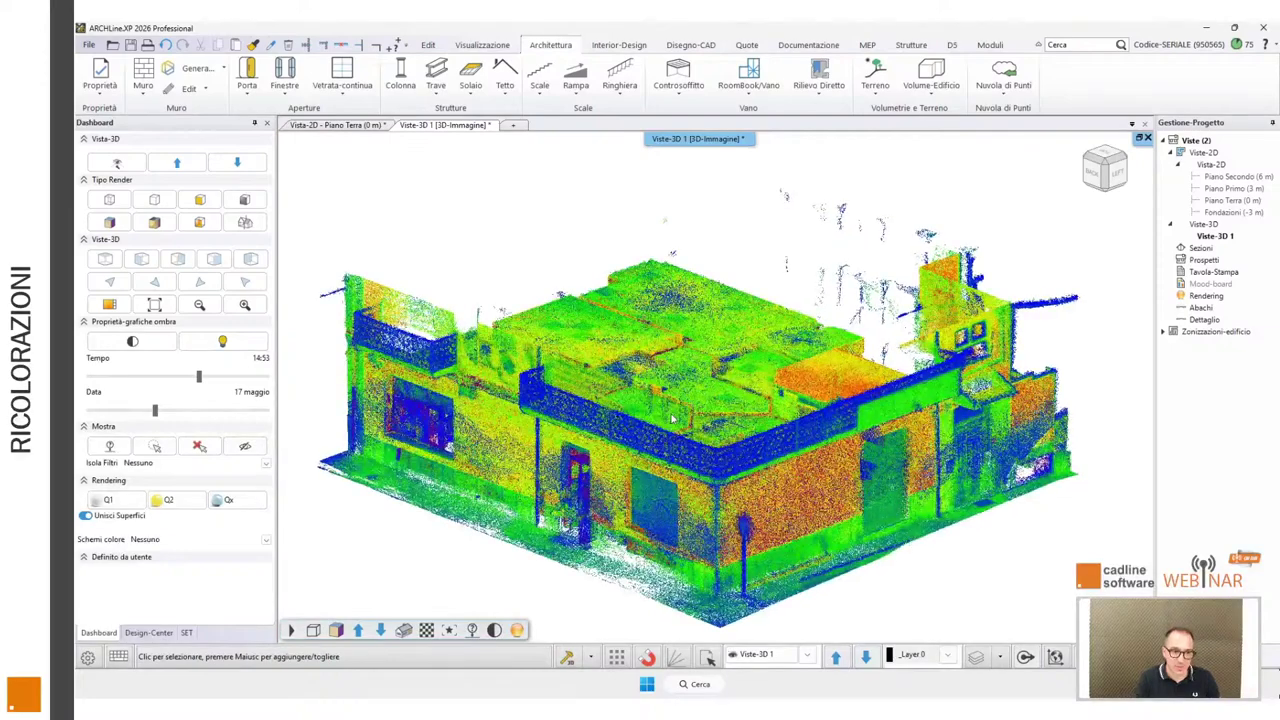
ARCHLine.XP 2026: Scan to BIM Made Practical for Designers
Based on Marco Guglielmin's webinar ...
Read more