If you are a designer and considering which rendering software to invest in, this little guide can help you to make an informed choice.
Professional articles
Back to articles
Calculation time 2-3 hours Preparation time on average 1 hour, for a medium quality result.

Calculation time Real-time rendering, instant result Preparation time Minimum preparation time required for adding animated objects and effects.
Integrated rendering
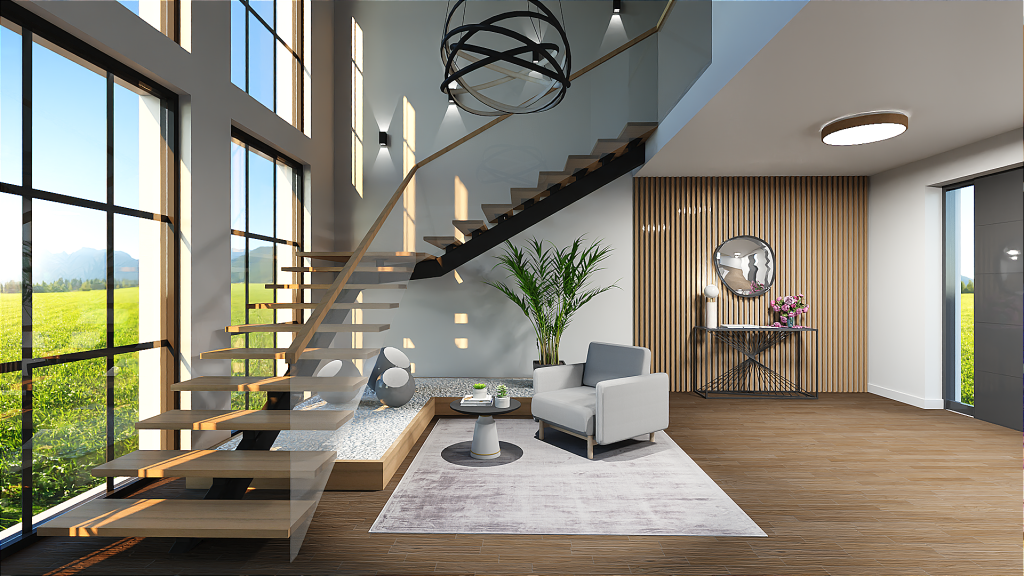

Rendering is a technique that allows you to view the result of your design idea in a way that simulates reality as much as possible. Whether it is an entire building, the context, or a detail of an interior, it allows the client to perceive the final effect, without having to interpret technical drawings such as floor plans or sections.
There are currently several technologies and software solutions you can choose from
Integrated Rendering Software
Integrated rendering is an internal feature of a 3D modeling software.
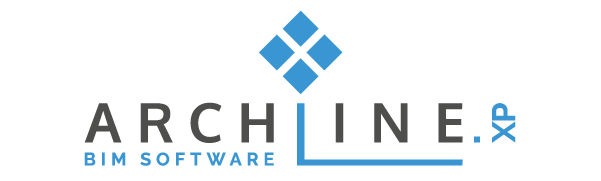
Calculation time 2-5 minutes Preparation time on average 15 minutes to define the right options.
Dedicated Rendering Software
A software dedicated to rendering exclusively, they generally do not allow modeling.
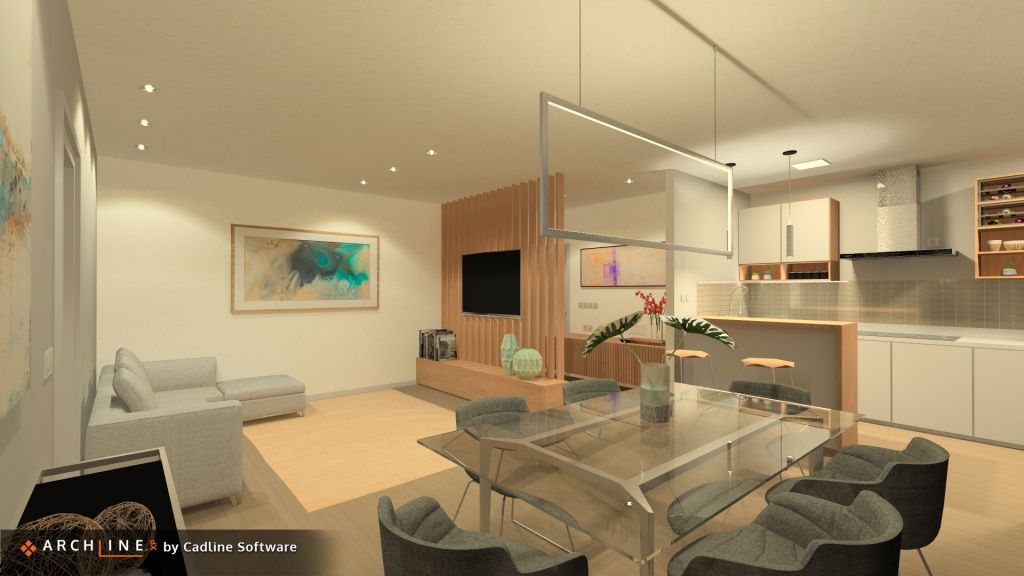
Calculation time 2-3 hours Preparation time on average 1 hour, for a medium quality result.
Archviz animation software
A technology derived from video games is used, where the scene is rendered in real-time
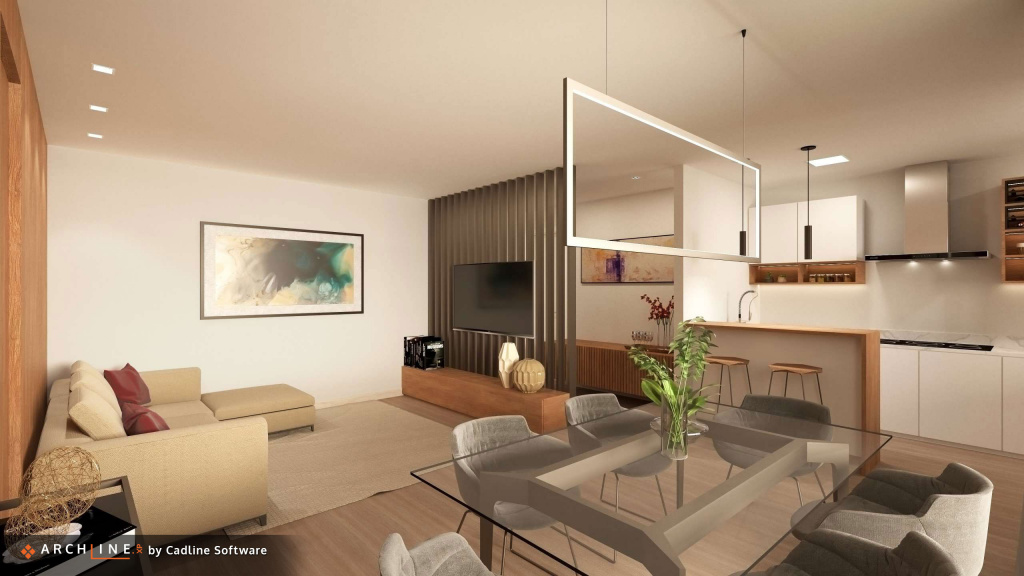
Sorry, your browser doesn't support embedded videos.Calculation time Real-time rendering, instant result Preparation time Minimum preparation time required for adding animated objects and effects.
Rendering is needed, of course, to presenting your project, but it is always necessary to make a 3D model first. So the first consideration is which 3D modeling software you want to use. There are several surface and solid body modellers available, such as SketchUp, or 3Ds Max. There are also several modeling programs more oriented to parametric and architectural design such as ARCHLine.XP, Revit, Archicad, Vectorworks, etc. A more in-depth comparison on what these solutions offer will come at a later article. Once the modeling platform has been chosen, you get to work, and you end up with something you might already be able to show your client, a “raw” 3D model. These models already offer the client the opportunity to perceive the shape, but because these models are not rendered yet, your client won’t see things like the effects of sunlight on the materials, etc. To show our client a better result, it is necessary to develop content that allow them to perceive all the characteristics at their best and, depending on the purpose of the presentation, also to excite and surprise your clients. It is possible to choose different software for rendering, but first you need to understand the difference between the various technologies available.
Integrated rendering

Through the use of integrated rendering it is not necessary to exchange files, all the work is performed within a single work environment. Once the materials have been assigned, the lighting and perspectives managed, it is possible to generate the photorealistic image through pre-configured options for optimal results.
Ideal forcreate project renderings at no cost and reduced time, with a good quality / time compromise Software Cost
ARCHLine.XP Professional already includes the render engine (RED Way 3D)
Setting up the model
on average 15 minutes to refine the settings
Rendering time
2-5 minutes
Quality
project rendering, in ARCHLine.XP there is also a photo-insertion system and virtual tours.
Simplicity and learning
you work within the design environment you already know, ARCHLine.XP is recognized as one of the most intuitive solutions for this purpose.
Dedicated rendering software

If you go this way, it is necessary to create the three-dimensional model using another software first. The work environment dedicated to rendering offers many more advanced controls on the management of materials and effects, following the logic of professional photography. It requires specific skills, if used at a high level it allows you to achieve higher quality.
Ideal forthose who have experience in the field of rendering and want to create renderings with a high scenic impact, or for catalogs / exhibitions Software Cost
depends on the software selected, to date the most common solutions are around € 400 / year for rent.
Setting up the model
on average 1 hour, for a medium quality result.
Calculation time
2-3 hours
Quality
high-quality photorealistic render.
Simplicity and learning
you work in a dedicated environment, there are multiple controls to manage every detail. Experience and in many cases also knowledge in the field of professional photography is required.
ArchViz Animation Render
Sorry, your browser doesn't support embedded videos.
The scene preparation operations generally take place as within an integrated environment, additional controls are available to create animated scenes: not only movies but also objects that with their movement "give life" to the entire scene.
Ideal forthose who have little experience and want to offer their customers modern presentations in addition to rendering, such as animations and kinematics Software Costdepending on the software selected, ARCHLine.XP Live costs around € 660 in permanent license. Setting up the model minimal, for adding animated objects and effects. Calculation time None Quality good realistic effect but what surprises and excites the customer is the movement effect that makes the scene immersive. Simplicity and learning you work in a very simple and intuitive environment.
Original article published by Cadline Software
Related articles
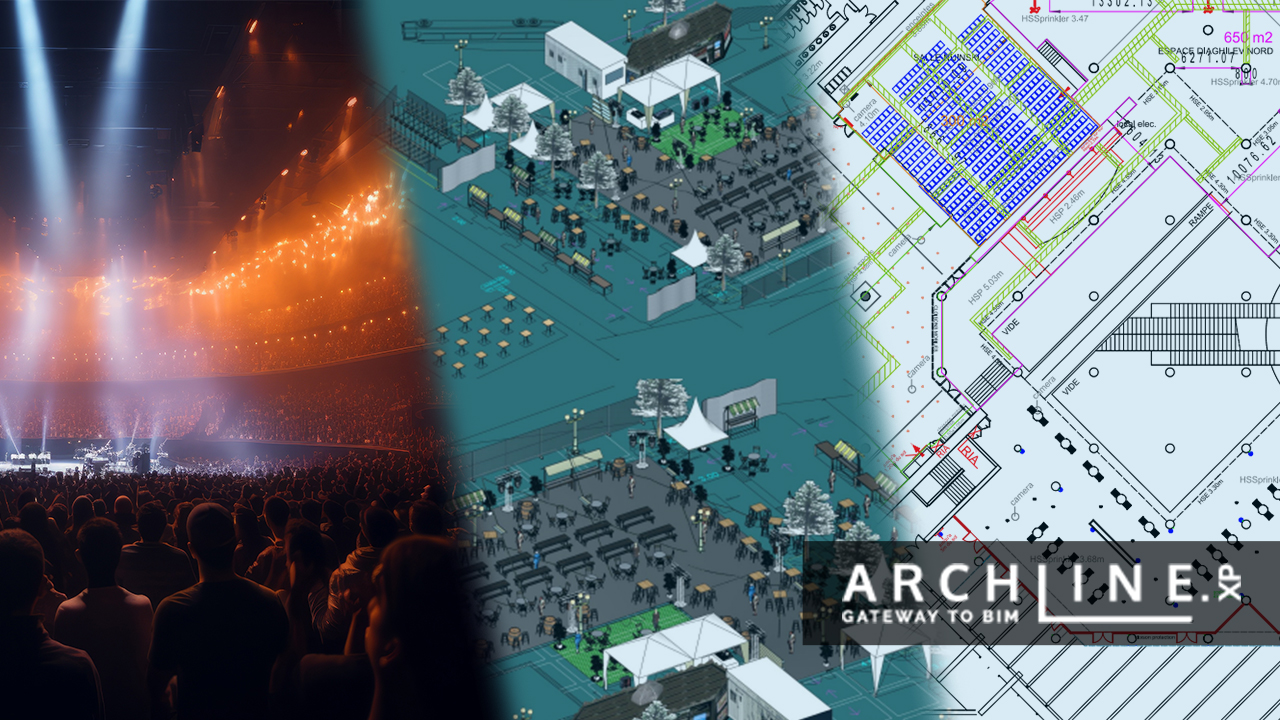
When the art of light and scenery meets the power of ARCHLine! - Interview with Cyrille Chabert
Meet Cyrille Chabert, an event professional who has been creating digital 3D plans and animations using the ARCHLine family for less than a year. ...
Read more
Rendering guide 2023
Capturing a photo-realistic image requires more than just pressing a button. It involves understanding how to handle lighting and shadows, be...
Read more
The Journey to a Successful ARCHLine.XP Reseller in Ecuador
Interview with Stalin Oleas Interviewer:...
Read more