
ARCHLine.XP is the all-in-one design software for your projects when you design an extension, structural renovation and refurbishment. Read what kind of tools we offer to make home extension, loft converstion, refursbishment and decoration projects quicker.
Professional articles
Back to articles

_TN_420.jpg)
_TN_420.jpg)
_TN_420.jpg)

What to expect?
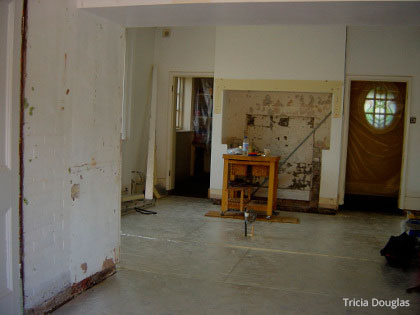
More often than not you find that the project you are working on makes you face serious challenges. Even if communicating your initial ideas to your clients runs smoothly, there is the hardship of realizing renovation projects, where many factors should be taken into account: how do you process floorplans, how do you use data from co-designers, how do you handle old, irregular buildings, and how to quickly create a model that instantly sells your design?
Below we are collecting some of the many ARCHLine.XP features which help you to tackle everyday design challenges. As time is a limited resource for all, we also give you some hints and pointers on how to learn using ARCHLine.XP as fast as possible - so less time is spent on trial and error, and more time is devoted to amaze your clients.
Start your project
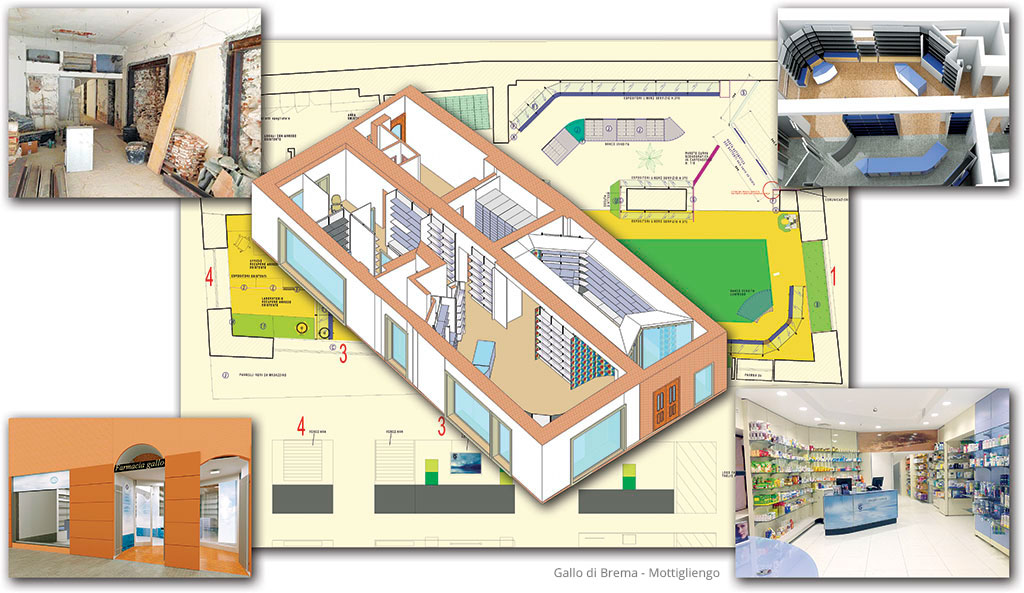
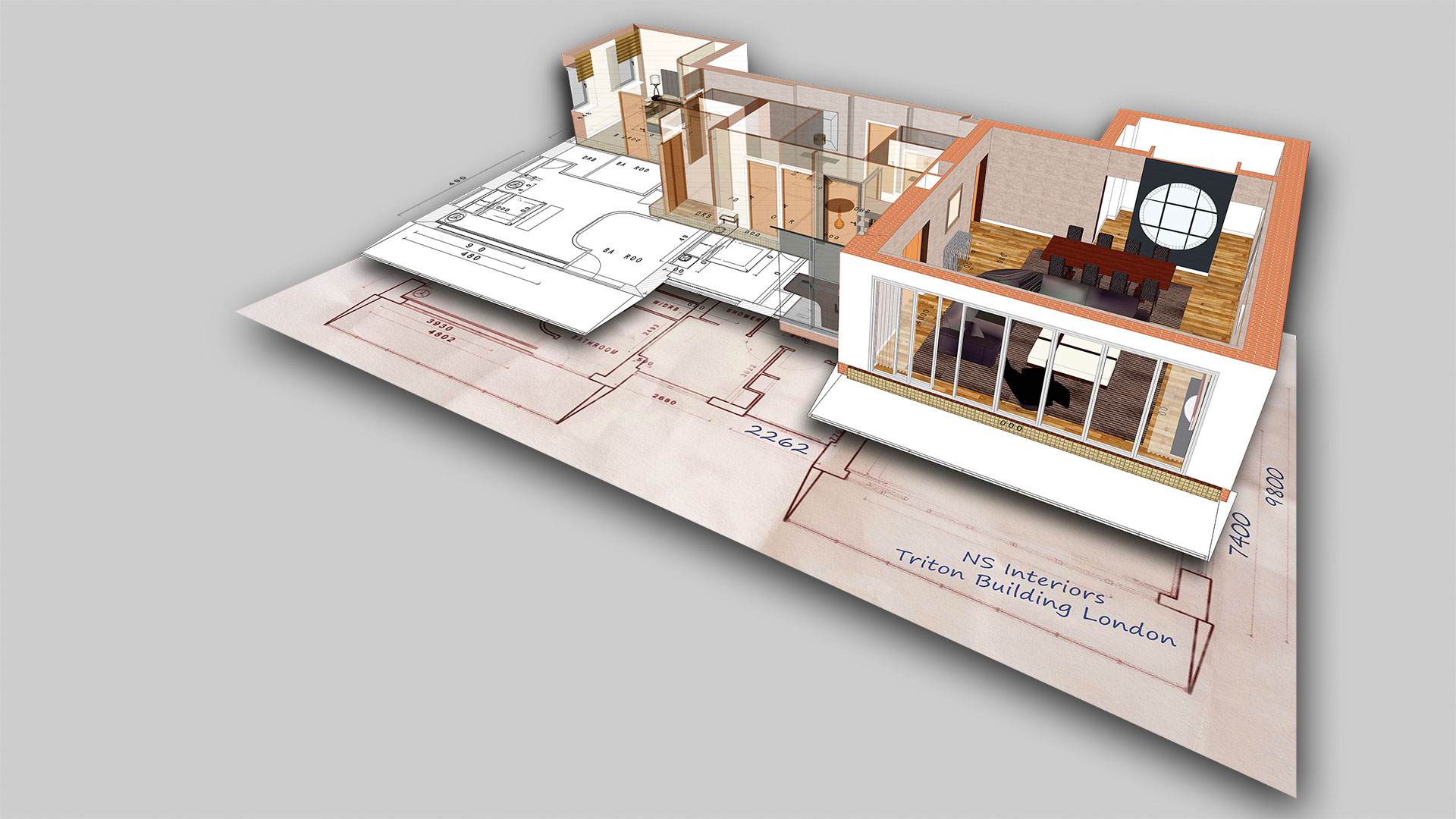
One of the most important tools in the remodeling industry is design software that helps the professionals to visualise the project during the survey and conceptual stages. Providing precise floor plan and 3D images will help your client to visualise what your project will be when completed. Using ARCHLine.XP is so quick to create the floor plan with the model using different methods:
Draw from scratchIn ARCHLine.XP you can start drawing a renovation plan even if you only have the lengths measured on spot. To replicate a wall with the original length and thickness is just as easy as creating a line. ARCHLine.XP supports the design workflow with a user-friendly approach, so you can create a complex floor plan literally in just minutes.
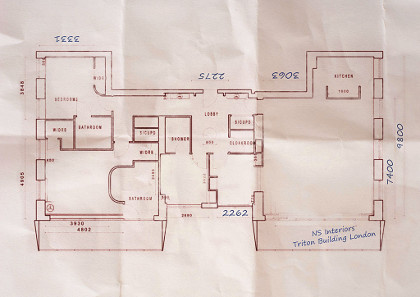
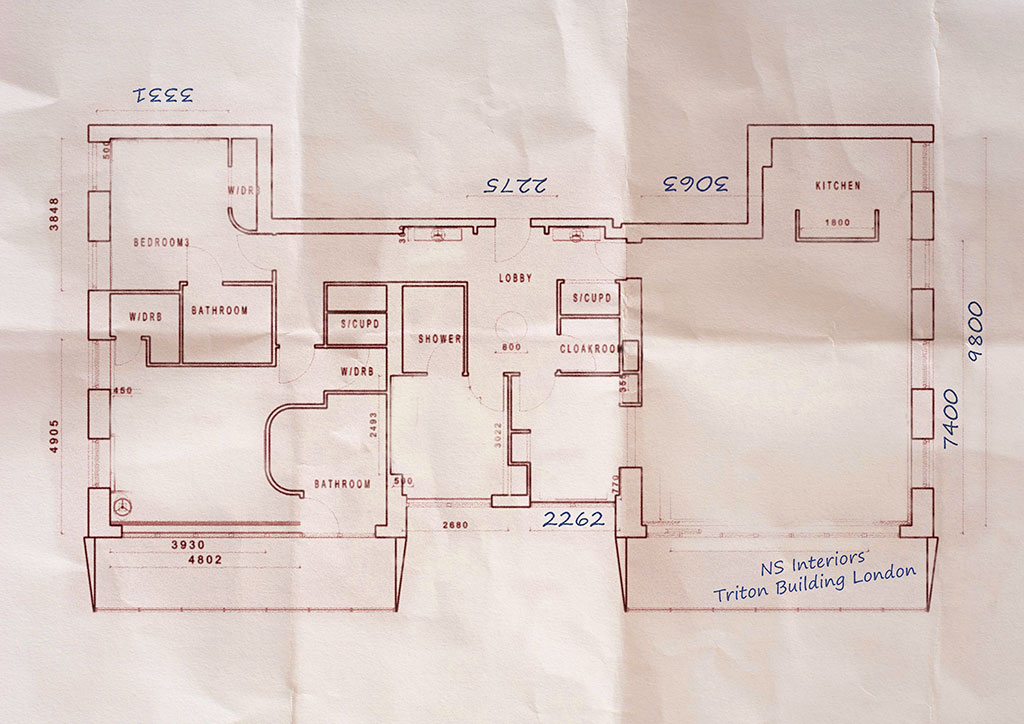
Work with scanned drawingsIf you have nothing else just the hard copies of the original plan ARCHLine.XP is giving you a very convenient way to use it - just import it and use it as a scaled.
Import a DWG - Work with CAD filesYou can use the imported CAD files (DWG) for the floor plan. The Smart floor plan tools help you to create precise floor plans in just a few minutes. You can add pop-up text memos and photos to support areas in detail.
Smart DimensioningWhen creating your floor plan you need precise dimensions. The Smart Dimensioning tool will automatically create all your floor plan dimensions with a few simple clicks.
_1024.jpg)
_1024.jpg)
_1024.jpg)
Architectural design tools
With the ARCHLine.XP software you can create your architectural designs including the full technical documentation, slab designs, 3D models, cost estimation, photorealistic images and 3D movies.
Multi-storey buildingARCHLine.XP has a built-in easy to use floor management system, allowing you to work on buildings of any size.
Doors and windowsARCHLine.XP comes with a large built-in library of doors and windows. You can customize all the openings to create a wide range of variety. If your renovation project has something special you can create it based on the photographs in ARCHLine.XP.
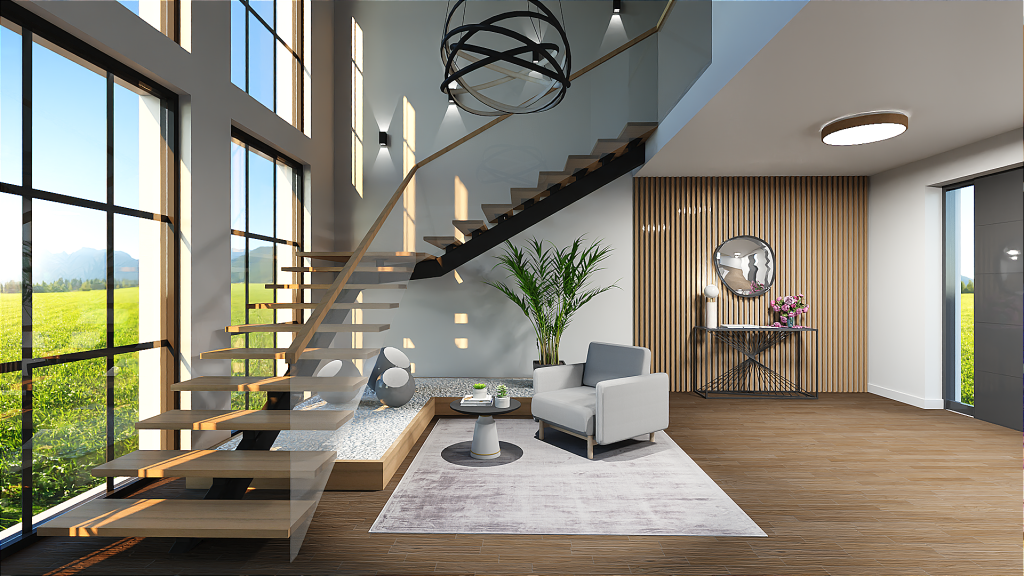
Stairs and balustradesStairs and balustrades are complex items and in case of a renovation project their shape and design is very likely non-standard and unique. The advanced tools of ARCHLine.XP allow you to create any custom made staircase and balustrade.
Floors, ceilings and roofsYou can create floors, ceilings and roofs with any finishing, material or structure. You can create roofs or ceilings with visible beams and rafters and you can easily place skirting boards and cornices around the room.
Terrains and Google Maps integrationIf you would like to represent the 3D model of the project on the original terrain of the site you can use the Terrain tools to create one or simply find and download the original site on Google Maps.
and much more...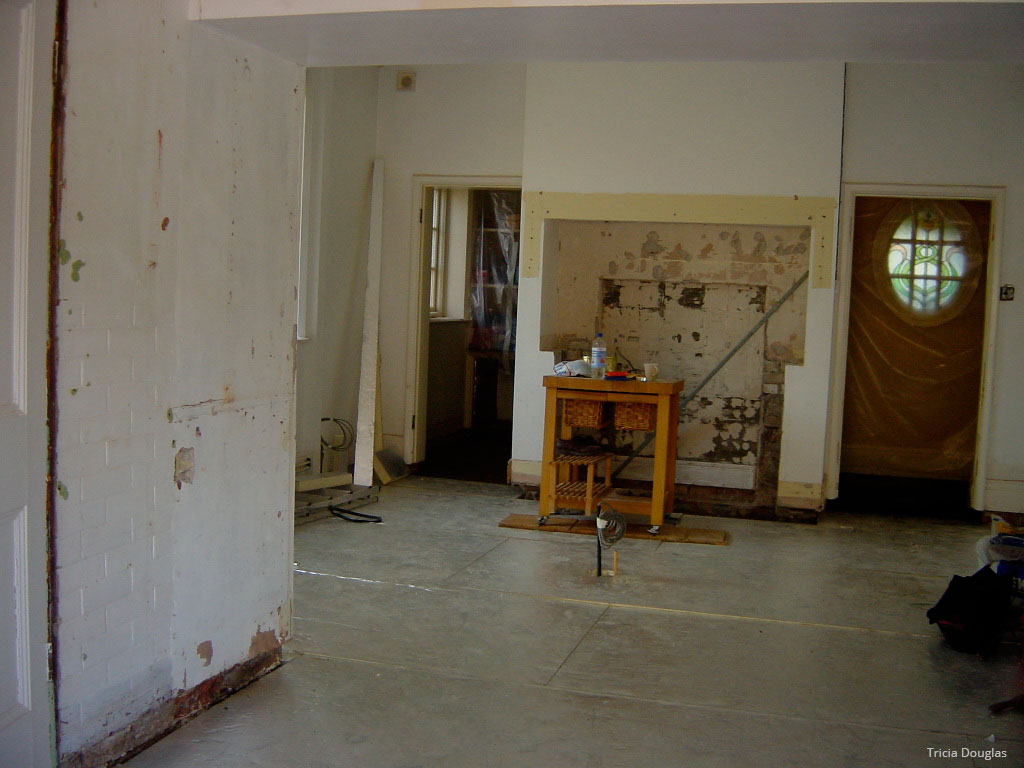
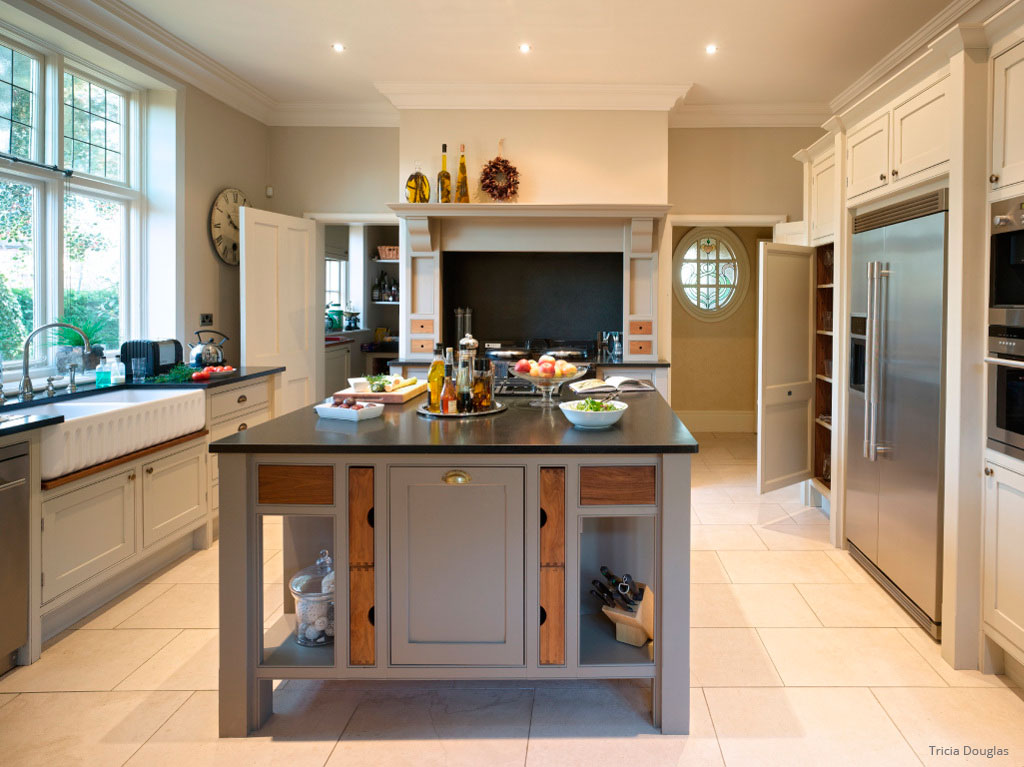
Interior desing tools
ARCHLine.XP has all the professional interior design tools to create the dream interior for your customers.
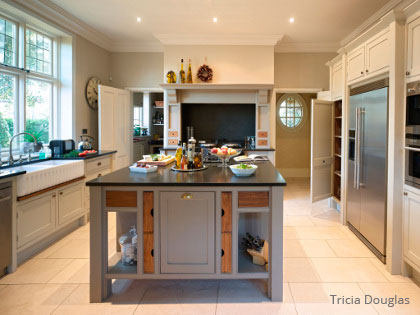
KBB - Kitchen, Bath & Bedroom designAny kind of kitchen, bathroom, bedroom or other room of the building can be quickly designed. Remodel any wardrobe, cabinet, sofa, chair or other furniture without the need of learning complex 3D modeling techniques.
Real Textures, Colours and FabricsYou can use any type of fabric, colour or other texture on the surfaces of your design. All you need is just the image from the website of the manufacturer and you can paste it either as a seamless pattern or a feature image on any surfaces.
Online Product CataloguesARCHLine.XP connects to online catalogues from where you can download and use objects, materials, sanitary-ware and other type of items.
Curtains, Soft Furnishing, LightingYou can create realistic looking curtains, roman blinds, venetian blinds and others in seconds. You can place lamps on walls, ceilings or any other surfaces and add lights even right from the manufacturer's websites.
Suspended Ceiling, Moulding, TilingARCHLine.XP has a very sophisticated Tiling tool allowing you to design tiled surfaces and have the quantity take-off at the end of the design. Suspended ceilings and mouldings are also part of the package.
and many more...
Related articles
When the art of light and scenery meets the power of ARCHLine! - Interview with Cyrille Chabert
Meet Cyrille Chabert, an event professional who has been creating digital 3D plans and animations using the ARCHLine family for less than a year. ...
Read more
Rendering guide 2023
Capturing a photo-realistic image requires more than just pressing a button. It involves understanding how to handle lighting and shadows, be...
Read more
The Journey to a Successful ARCHLine.XP Reseller in Ecuador
Interview with Stalin Oleas Interviewer:...
Read more